
Shared folders, on demand
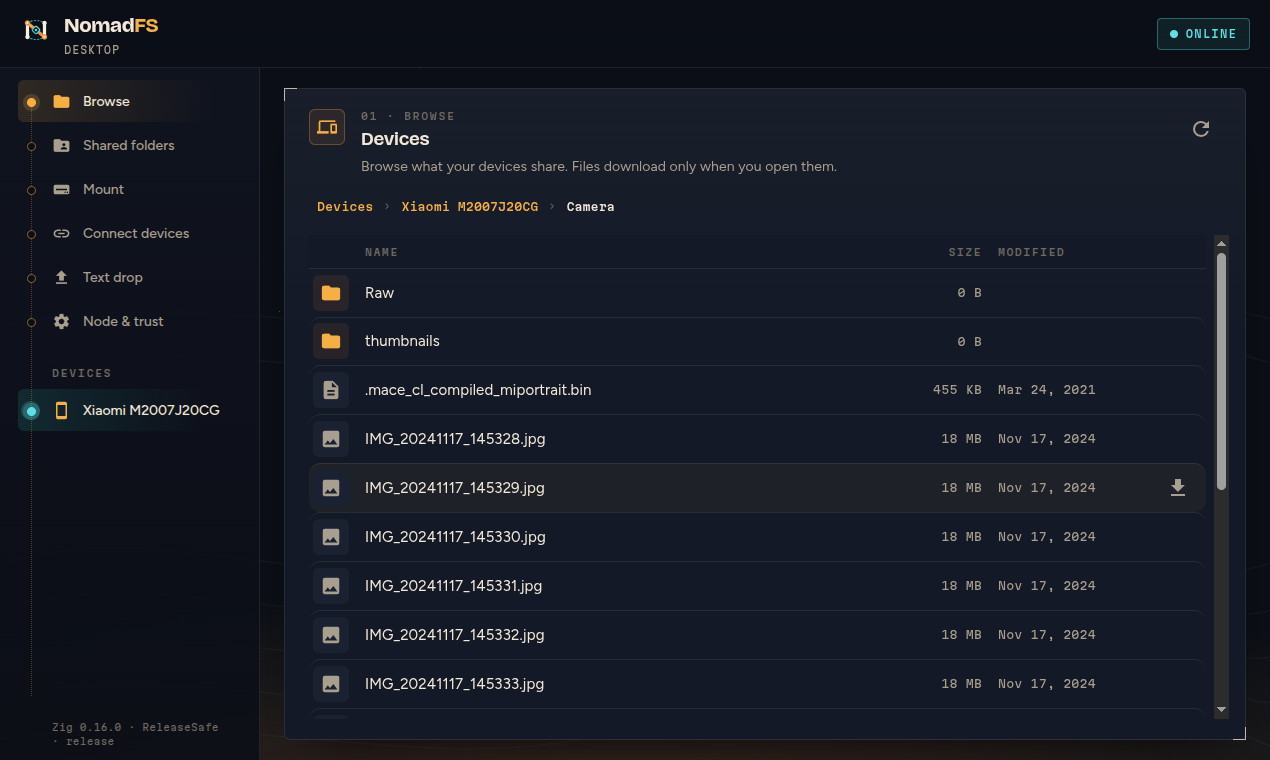
Share a folder and every device can browse it right away. Only the listing travels; a file's bytes move when someone opens it, and only the blocks of the part being read.
Zig & Oriel · Linux desktop · Android
NomadFS shares folders across your laptop, phone and home server. Every device sees every shared folder at once; a file only travels when someone opens it. Add a swarm folder that all of them write to, and mount it all on Linux like any other folder.
01 · what it does
Not a cloud and not a full mirror. Your devices keep their own files and lend them to each other on request.
Share a folder and every device can browse it right away. Only the listing travels; a file's bytes move when someone opens it, and only the blocks of the part being read.
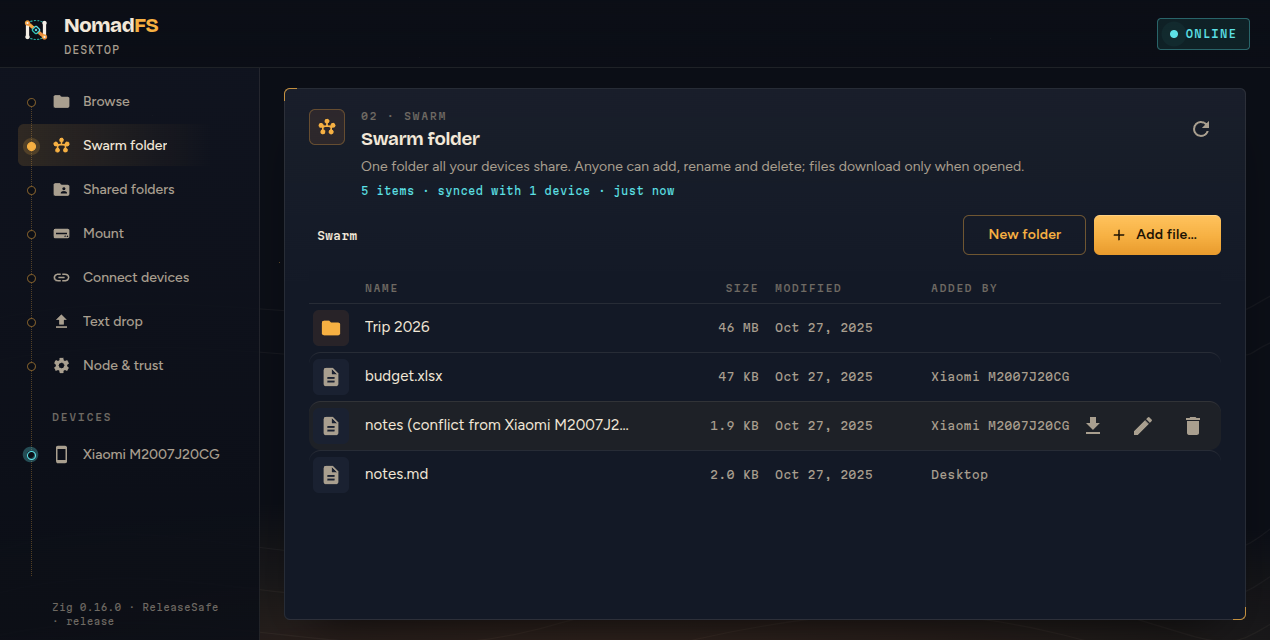
One folder every device reads and writes. Add, rename and delete from anywhere; edits merge without a server, and two edits at once keep both, the other as a conflict copy.
Every device's shares appear under <mount>/<device>/<share>, read-only, and the swarm folder under <mount>/Swarm, writable from any app or file manager.
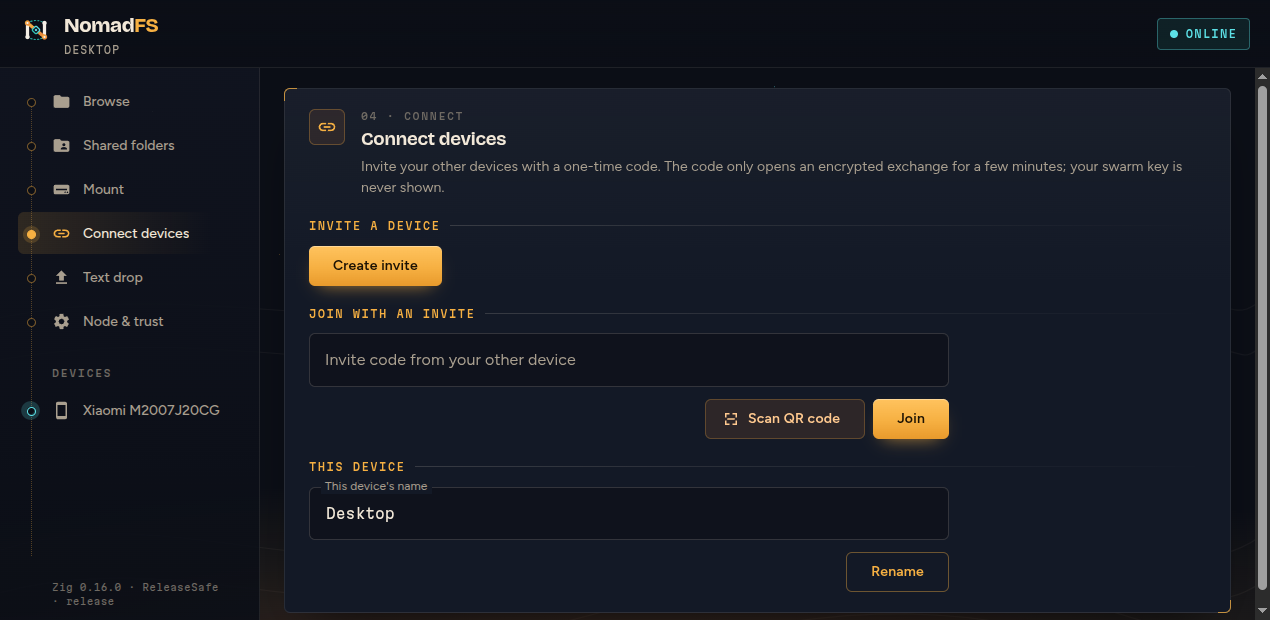
Join a device with a code or by scanning its QR code with the phone camera. The invite works once, for ten minutes, and the swarm key travels encrypted: it is never shown.
Devices talk over Noise XXpsk3 sessions keyed by your swarm, with Ed25519 device identities you can list and revoke. Every block is checked against its hash when it arrives.
Browse devices, preview images, video, audio, PDF and text, manage the swarm folder, mount from a tab or the tray, connect devices, and drop notes between them. Built with Oriel.
02 · the app
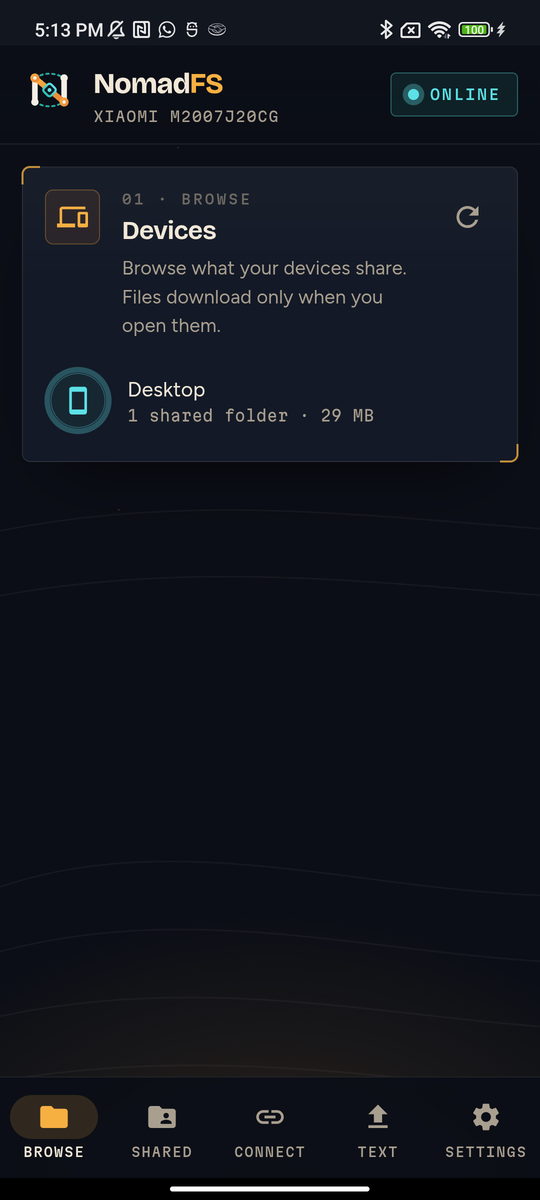
The same app on the Linux desktop and on Android phones: a drawer on wide windows, a navigation bar on phones.
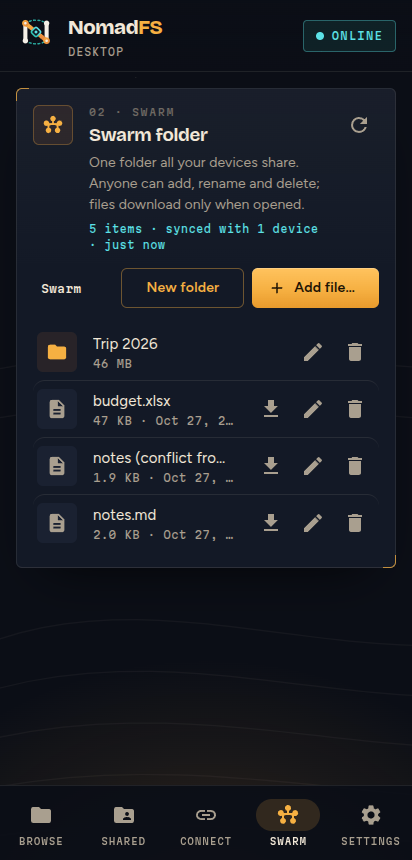
on the phone
03 · how it works
Metadata goes everywhere. Bytes go only where they are asked for.
A shared folder is scanned into a Merkle tree: files are split with FastCDC into content-addressed blocks. The bytes stay in your files; NomadFS records where each block lives and stores only the directory blocks. Shares are rescanned every 30 seconds.
Each device asks the others for their share roots and reads one directory block at a time as you browse. Nothing is copied ahead of time.
A read loads only the blocks that cover the requested range, from the device that has them, and checks each against its hash. Fetched blocks are cached, so what you opened once still opens offline.
Its listing is a replicated manifest, a state-based CRDT, kept on every device and merged with each reachable peer every 10 seconds. Concurrent edits keep both versions under the same conflict name on every device.
Each step uses a technology you may want to look into: content-defined chunking, Merkle DAGs, the Noise handshake, a CRDT. Learn how NomadFS works, one diagram-led page each.
04 · get started
NomadFS is early: built from source with Zig 0.16, tested on Linux and Android. The command line node and the app share one core; the app is made with Oriel by foreachdeveloper.
# build zig-out/bin/nomadfs, run the tests
zig build
zig build test

# share a folder, then invite another device
./zig-out/bin/nomadfs --share Photos:$HOME/Pictures
./zig-out/bin/nomadfs --invite

# mount every device's shares (Linux)
./zig-out/bin/nomadfs --mount ~/NomadFS# fetches Oriel v0.20.0
cd nomadfs-gui
zig build run # the desktop app
zig build package # deb, rpm, AppImage
# Android: an APK with arm64-v8a and x86_64
oriel android buildEvery command reads nomadfs.conf from the current folder, ~/.nomadfs/ or /etc/nomadfs/. The getting started guide walks through a first swarm.
05 · set out
Build the node, share a folder, and scan the invite from your phone.